You wrote the post. You think it is good. But before you hit publish, there is one question worth asking: is it actually optimized to rank?
Most bloggers skip on-page SEO entirely or do it halfway. They add a keyword in the title and call it done. But on-page SEO covers far more than just keyword placement, and missing even a few items can quietly hold your post back from ranking where it deserves.
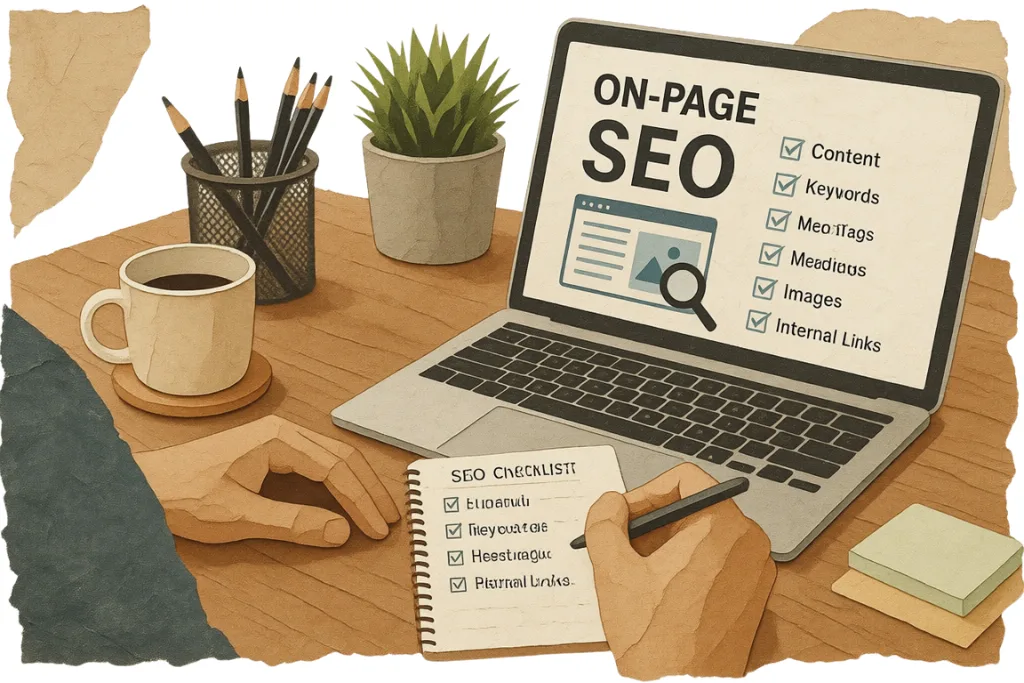
This checklist covers every on-page SEO element you need to check before publishing any blog post in 2026.
What Is On-Page SEO?
On-page SEO refers to everything you control on your own page that helps Google understand, index, and rank your content. This includes your title, headings, URL, images, internal links, content depth, and more.
Unlike off-page SEO which involves backlinks and external signals, on-page SEO is entirely in your hands. It is the most actionable part of SEO and the first thing you should get right before worrying about anything else.
According to Google Search Central, clear page titles, descriptive headings, and well-structured content are among the most important signals Google uses to understand what a page is about.
Below is the The Complete On-Page SEO Checklist.
1. Target One Primary Keyword Per Post
Every post should be built around one primary keyword. This is the exact phrase or question your ideal reader is typing into Google.
Before writing, confirm that no other post on your site already targets this keyword. If it does, you risk keyword cannibalization, which splits your ranking signals and weakens both pages.
Use tools like Google Search Console, Ahrefs, or RankMath’s keyword research feature to find keywords with clear search volume and manageable competition.
2. Include the Primary Keyword in the Title
Your primary keyword must appear in your post title, ideally within the first 60 characters. This is one of the strongest on-page signals you can send to Google.
Do not stuff the keyword awkwardly. It should read naturally and still be compelling to a human reader. A title that is optimized but unclickable defeats the purpose.
RankMath shows a green indicator in the title field when your focus keyword is detected. Aim for this before moving on.
3. Write a Click-Worthy Meta Title
Your meta title is what appears as the blue link in Google search results. It is separate from your post title in most WordPress setups.
Keep it under 60 characters. Include your primary keyword near the beginning. Make it specific and benefit-driven. RankMath’s snippet preview shows you exactly how it will appear in search results before you publish.
4. Write a Compelling Meta Description
Your meta description does not directly affect rankings but it directly affects click-through rate. A well-written meta description convinces someone to click your result over the others.
Keep it under 155 characters. Include your primary keyword naturally. Summarise what the reader will gain from the post. End with a subtle call to action where possible.
Never leave this blank. Google will auto-generate one from your content and it is rarely compelling.
5. Optimise Your URL Slug
Your URL slug should be short, readable, and include your primary keyword.
Good slug: /on-page-seo-checklist-for-blog-posts/ Bad slug: /the-complete-on-page-seo-checklist-every-blogger-needs-in-2026/
Remove stop words like “the,” “a,” “for,” and “in” from the slug. Keep it to three to five words where possible. Once a post is published and indexed, avoid changing the slug unless absolutely necessary, and always redirect the old URL if you do.
6. Use the Primary Keyword in the First 100 Words
Google gives more weight to keywords that appear early in the content. Include your primary keyword naturally within the first paragraph, ideally in the first two to three sentences.
This does not mean forcing it awkwardly. Write a natural introduction that addresses the topic, and the keyword will fit in on its own.
7. Use the Primary Keyword in at Least One H2
Your subheadings (H2s) are major relevance signals for Google. Include your primary keyword or a close variation in at least one H2 heading naturally.
Do not stuff it into every heading. One or two natural inclusions across your headings is enough.
8. Structure Your Content With Proper Heading Hierarchy
Use one H1 (your post title), multiple H2s for main sections, and H3s for subsections within those. Never skip heading levels or use headings just for styling purposes.
A clear heading hierarchy helps Google understand the structure of your content and helps readers navigate it. Content structure is a direct ranking factor, not just a formatting preference.
9. Cover the Topic Completely
Thin content is one of the most common reasons posts fail to rank. Google wants to show the most comprehensive, useful result for any given query.
Before publishing, search your target keyword and check the top three results. Make sure your post covers every major subtopic they cover, and ideally goes deeper on at least a few points.
A good SEO content audit habit is to compare your existing posts against top-ranking competitors every few months and update anything that has become thin or outdated.
10. Match Search Intent
Your content format and angle must match what the searcher actually wants. If the top results for your keyword are all listicles, publishing a long narrative essay will not rank regardless of quality.
Before writing, study the top results and identify the dominant format: how-to guide, listicle, comparison, definition, or something else. Then match that format while making your version more useful.
Understanding search intent is not optional in 2026. It is the foundation of every ranking decision Google makes.
11. Use Semantic Keywords Throughout
Google no longer ranks pages based on keyword frequency alone. It understands topics and expects related terms to appear naturally in well-written content.
Use synonyms, related phrases, and subtopic terms throughout your post. If you are writing about on-page SEO, naturally using terms like “meta description,” “heading tags,” “slug,” “internal links,” and “content optimization” all reinforce the topic without any extra effort.
RankMath’s content analysis panel suggests additional keywords to include based on your focus keyword. Use this as a guide but do not force every suggestion in unnaturally.
12. Add Internal Links to Relevant Posts
Every post you publish should link to at least two or three other relevant posts on your site. Internal linking passes authority between pages, helps Google crawl your site, and keeps readers engaged longer.
Use descriptive anchor text that tells Google what the destination page is about. Avoid generic anchors like “click here” or “read more.”
A strong internal linking strategy is one of the highest-return on-page activities you can do, especially for newer sites with limited backlinks.
13. Link Out to Authoritative External Sources
Linking to high-quality external sources like research studies, government sites, or established publications adds credibility to your content and signals to Google that you have done your research.
Aim for one to three external links per post. Make sure they open in a new tab so readers do not leave your site entirely. Avoid linking to direct competitors.
14. Optimise Every Image
Images are often the most neglected part of on-page SEO. Every image in your post should be optimised before publishing.
File name. Rename the image file to something descriptive before uploading. “on-page-seo-checklist.jpg” is far better than “IMG_4823.jpg.”
Alt text. Write a short, descriptive alt text for every image. Include your primary keyword in the alt text of the featured image naturally. Alt text also improves accessibility for visually impaired readers.
File size. Compress images before uploading to keep page load speed fast. Large uncompressed images are one of the most common causes of slow-loading pages, which directly hurts rankings.
15. Check Your Page Speed
Page speed is a confirmed Google ranking factor. A slow-loading post loses both rankings and readers.
Use Google PageSpeed Insights or GTmetrix to check your post after publishing. Common culprits include uncompressed images, render-blocking scripts, and slow hosting.
RankMath integrates with Google Search Console and can flag speed issues at the page level if you have the pro version enabled.
16. Make Sure the Post Is Mobile Friendly
More than 60 percent of Google searches now happen on mobile devices. Google uses mobile-first indexing, meaning it crawls and ranks the mobile version of your page.
Check your post on a mobile device before publishing. Make sure the font is readable, images scale correctly, buttons are tappable, and nothing overflows the screen.
17. Add the Focus Keyword to the Featured Image Alt Text
This is a small but consistent on-page signal. Set your featured image alt text to include your primary keyword naturally. RankMath checks for this specifically in its content analysis and flags it if missing.
18. Set a Focus Keyword in RankMath
If you are using RankMath, always set your focus keyword before publishing. RankMath runs its analysis based on this and gives you a content score along with specific suggestions to improve.
Aim for a RankMath score of 80 or above before publishing. This does not guarantee rankings but it ensures the basic on-page signals are in place.
19. Check for Orphan Pages After Publishing
After publishing, make sure your new post is not an orphan page with no internal links pointing to it. Go back to two or three related existing posts and add a link to your new article with relevant anchor text.
Orphan pages are invisible to Google in practice because there are no internal paths leading to them. Even a great post will struggle to rank if nothing on your site links to it.
20. Enable Schema Markup
Schema markup helps Google understand your content type and can trigger rich results in search, such as FAQ dropdowns, star ratings, or how-to steps.
RankMath makes schema setup easy with built-in schema types for articles, FAQs, how-to posts, and more. At minimum, enable Article schema on every blog post and FAQ schema if your post includes a frequently asked questions section.
Rich results increase visibility in search and consistently improve click-through rates even without a ranking change.
Quick Reference Checklist
Before publishing any blog post, confirm the following:
- One primary keyword selected with no cannibalization risk
- Primary keyword in the title within first 60 characters
- Meta title under 60 characters with keyword near the front
- Meta description under 155 characters, compelling and keyword-inclusive
- URL slug is short, clean, and includes the keyword
- Primary keyword appears in the first 100 words
- Primary keyword in at least one H2
- Proper heading hierarchy (H1, H2, H3)
- Topic covered completely based on top competitor analysis
- Search intent matched in format and angle
- Semantic keywords used naturally throughout
- At least two to three internal links with descriptive anchor text
- One to three authoritative external links
- All images have descriptive file names and alt text
- Images compressed for fast loading
- Page speed checked after publishing
- Post tested on mobile before publishing
- Featured image alt text includes focus keyword
- Focus keyword set in RankMath with score above 80
- New post linked from at least two existing related posts
- Schema markup enabled
Frequently Asked Questions
How long does on-page SEO take per post?
Once you have a system in place, a thorough on-page SEO check takes fifteen to thirty minutes per post. The checklist above covers everything. With practice it becomes automatic.
Does RankMath score guarantee rankings?
No. A high RankMath score means your on-page signals are in good shape. But rankings also depend on domain authority, backlinks, content quality, and competition. Think of the score as a baseline, not a guarantee.
How often should I revisit on-page SEO on old posts?
Every three to six months for your most important posts. Search intent shifts, competitors update their content, and what ranked well a year ago may need refreshing. A regular content audit keeps your older posts competitive.
Is on-page SEO more important than backlinks?
For low to medium competition keywords, strong on-page SEO can rank a post without backlinks. For highly competitive keywords, both are needed. Always get on-page right first since it is entirely within your control.
Final Thoughts
On-page SEO is not a one-time task. It is a habit you build into your publishing process until it becomes automatic.
The bloggers who rank consistently are not necessarily the best writers. They are the ones who follow a repeatable process every single time they publish.
Use this checklist on every post going forward. Write content that matches search intent, structure it clearly, link internally, and make sure the technical signals are in place before you hit publish.
The rankings follow the process.