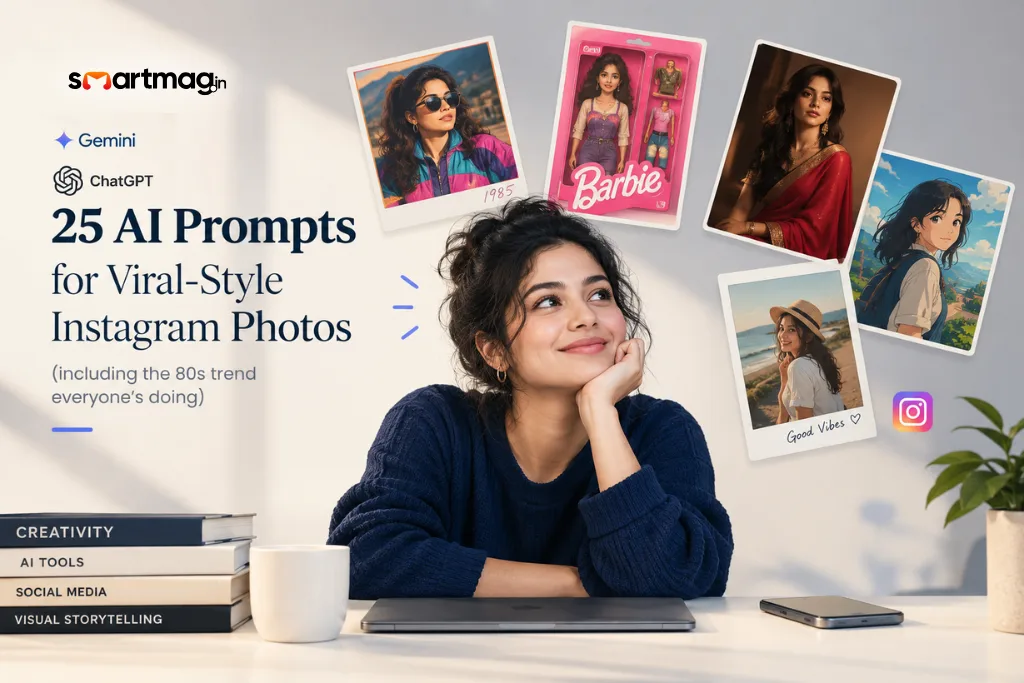
Most lists of “viral AI photo prompts” give you one line each: “make a cyberpunk selfie.” That’s not a prompt. That’s a wish.
The photos actually going viral right now- the 80s throwback, the action figure box, the studio-glam saree shot- all use longer, more specific prompts. They lock your face in place, describe the lighting, and kill anything that looks modern in the background.
Below are 25 of those, grouped by style, plus the one instruction most people forget that makes the difference between a good result and a face that doesn’t quite look like you.
Quick answer
The AI photo trends going viral in 2026 include the 1980s throwback look, toy-style “action figure” and Barbie-box portraits, studio glam magazine covers, and anime or Ghibli-style transformations.
Google’s Gemini image model (nicknamed “Nano Banana”) and ChatGPT’s image tool both handle these well when you upload a real photo and include an identity-lock instruction plus specific lighting and background details.
Which Tool to Use For Which Style
| Style | Best Tool | Why |
|---|---|---|
| Photorealistic transformations (80s, saree, professional) | Gemini (Nano Banana) | Strongest at keeping your actual face intact while changing everything around it |
| Toy, figurine, and box-art styles | ChatGPT image tool or Gemini | Both render packaging and plastic textures well |
| Anime, Ghibli, watercolour, illustrated | ChatGPT image tool or Midjourney | Better stylisation, less need for photorealism |
| Pure fantasy backgrounds, no face to preserve | Midjourney | Strongest raw image quality when identity doesn’t matter |
The Instruction Almost Nobody Includes
If you upload your photo and just ask for “an 80s version of me,” the AI often reshapes your face to fit the aesthetic. You end up looking like a stranger in your own outfit.
Add this line to any prompt below where you upload a real photo:
Keep my facial features, expressions, and identity the same as the original photo. Only change the clothing, hair styling, background, and lighting.
That one sentence is the difference between “cool photo of a similar-looking person” and a photo that actually looks like you, 40 years ago or on a red carpet you never walked.
Throwback and Retro
- The 80s Trend (the one everywhere right now)
Transform this photo into an authentic 1980s portrait. Keep my facial features and identity exactly the same. Dress me in period-accurate 80s clothing and hairstyle for [my gender/style].
Also, add warm film-camera colours, subtle grain, and a faded Polaroid edge. Remove every
modern object from the background.
- 90s Film Camera Look
Turn this photo into a 1990s disposable-camera snapshot. Keep my face the same. Add a slight flash-photo overexposure, visible film grain, and a timestamp in the corner like old film prints had.
- Y2K Flip Phone Era
Recreate this as a Y2K-era photo from 2001. Keep my face unchanged. Add low-resolution digital camera quality, a slight blue colour cast, and early-2000s fashion.
- Bollywood Retro Poster
Turn this into a vintage Bollywood film poster from the 1980s. Keep my facial features exactly the same. Give me a dramatic pose, bold poster typography treatment in the background (not on my face), warm studio lighting, and film grain.
- Polaroid Road Trip Memory
Make this look like a Polaroid taken on a road trip in 1987. Keep my face the same. Add a faded white Polaroid border, warm sun-faded colours, and a handwritten-style date in the corner.
Aesthetic and Lifestyle
- Golden Hour Portrait
Recreate this photo during golden hour. Keep my face unchanged. Add warm low-angle sunlight, soft lens flare, and natural shadows across the scene.
- Cozy Academia
Turn this into a cozy, book-lined reading nook scene. Keep my face the same. Also, add warm lamp lighting, a stack of books, a knit sweater, and soft natural shadows.
- Minimalist Studio Headshot
Give me a clean studio portrait on a plain white background. Keep my face exactly the same. Sharp focus, soft even lighting, no harsh shadows.
- Old Money Aesthetic
Restyle this as an old-money editorial portrait. Keep my face unchanged. Dress me in tailored neutral-tone clothing, add soft natural light, and a quiet estate-style background, nothing flashy or branded.
- Festival Colour Portrait
Turn this into a vibrant festival photo. Keep my face the same. Add bright coloured powder or lights in the air, warm daylight, and a joyful, candid expression.
Fantasy and Illustrated
- Studio Ghibli Style
Reimagine this photo as a hand-painted Studio Ghibli-style illustration. Soft pastel colours, gentle linework, warm lighting. Keep my general likeness recognisable even in illustrated form.
- Fantasy Character
Turn me into a fantasy character standing in an enchanted forest. Keep my facial structure recognisable. Add glowing ambient light, flowing fantasy clothing, and magical particles in the air.
- Watercolour Portrait
Turn this photo into a watercolour painting. Soft bleeding edges, visible paper texture, and a muted pastel palette. Keep the likeness recognisable.
- Space Explorer
Put me in a futuristic astronaut suit against a starfield background. Keep my face visible and unchanged through the helmet visor. Cinematic lighting, realistic reflections on the visor.
- Neon Cyberpunk
Turn this into a cyberpunk night portrait. Keep my face unchanged. Add neon signage in the background, rain-slicked streets, and coloured light reflections on my skin and hair.
Toy and Figure Trend
- Action Figure Box Art
Turn me into a collectible action figure, still in its retail packaging. Keep my facial features recognisable on the figure. Add plastic blister packaging, a cardboard backing with my “figure name,” and small accessory items next to the figure, as the box came with extras.
- Barbie-Style Box
Recreate me as a doll inside a branded retail box packaging, in the style of a collector’s toy box. Keep my face recognisable. Add clean pink-and-white box graphics, studio lighting, and a plastic-look accessory set beside the figure.
- Chibi 3D Figurine
Turn me into a small 3D chibi figurine on a display stand, in the style of a desk collectible. Keep my outfit and hairstyle from the photo. Soft studio lighting, shallow depth of field like a product photo.
Glam and Red Carpet
- Magazine Cover Shoot
Turn this into a 1980s-style fashion magazine cover. Keep my facial features exactly the same. Add bold shoulder-padded clothing, gold jewelry, warm studio lighting, and a confident editorial pose.
- Red Carpet Moment
Place me on a red carpet at a glamorous event. Keep my face the same. Add an elegant outfit, camera flash lighting, a blurred step-and-repeat background, and a confident pose.
- K-pop Idol Look
Give me a K-pop idol styling: glowing skin, trendy modern outfit, and stage lighting with soft coloured haze. Keep my facial features exactly the same; just enhance skin tone evenly.
- Saree or Ethnic Glam Portrait
Dress me in an elegant [saree/traditional outfit] with detailed jewelry. Keep my face exactly the same. Add warm cinematic lighting and a graceful pose, studio or heritage-building background.
Professional and Everyday
- LinkedIn-Ready Headshot
Turn this into a professional headshot suitable for LinkedIn. Keep my facial features exactly the same. Add formal business attire, a softly blurred neutral office background, and even, flattering light.
- Fitness Portrait
Give me a gym portrait with realistic lighting and a motivated expression. Keep my face and body proportions unchanged. Add workout clothing and cinematic gym lighting.
- Streetwear Urban Shot
Give me an urban streetwear portrait. Keep my face unchanged. Add a graffiti-wall background, natural daylight, and modern streetwear styling.
3 Mistakes That Ruin These Photos
Skipping the identity-lock line. Without it, the model often “improves” your face to match the aesthetic. You lose the point of the photo, which is seeing yourself in a different era or style.
Prompts that are too short. “Make me look 80s” gives the model too much room to guess. The prompts above work because they specify clothing, hair, lighting, and background separately.
Not removing modern objects. If you don’t explicitly say “remove modern objects” or “remove phones and modern signage,” retro prompts often leave a smartphone or a modern logo sitting in the background, which breaks the whole illusion.
Frequently asked questions
What is “Nano Banana”?
It’s the nickname people use for Google’s Gemini image generation model, not a separate app. You access it inside Gemini, and it’s become the go-to for photorealistic transformations that keep your actual face intact.
Do I need a professional photo to start with?
No. A clear, well-lit selfie works fine. Front-facing, decent lighting, and no sunglasses or heavy shadows on your face give the model the most to work with.
Why do some results look almost right but not quite like me?
Usually the identity-lock instruction is missing, or the prompt asks for too much stylisation at once. Try again with the “keep my facial features exactly the same” line and fewer competing style changes in one prompt.
Can I use these on a photo of my whole family or a couple?
Yes. Just adjust the wording from “me” to “everyone in this photo” or “the couple in this photo,” and keep the identity-lock line pointed at all faces, not just one.
Check out SmartMag for more AI guides like this, and subscribe to the newsletter so you never miss the next trend.